
Maximize Your Laptop's Performance: Essential Cleaning and Maintenance Tips
Your laptop is more than just a tool; it's a vital part of your daily routine, whether for work, study, or entertainment. Ensuring it runs smoothly is crucial. Here's how you can clean and maintain your laptop for peak performance.
Regular Cleaning Routine
Dusting the Exterior
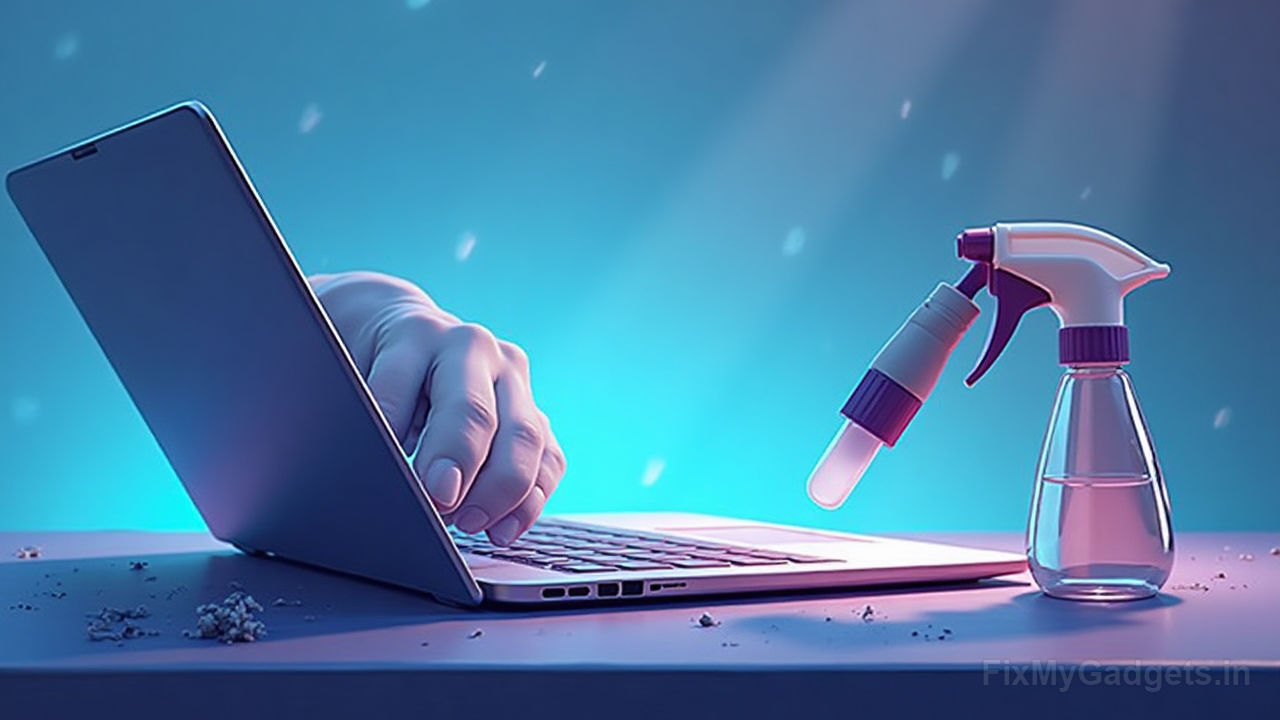
Start by gently dusting the exterior of your laptop. Use a soft, dry cloth to wipe down the keyboard, screen, and body. For stubborn dirt, a slightly damp cloth (make sure it's not too wet) can be used, but avoid spraying water directly on the laptop.
Cleaning the Keyboard
The keyboard is a hotspot for grime. Use compressed air to blow out dust and debris from between the keys. For a deeper clean, consider removing the keys (if possible) and cleaning them individually.
Internal Maintenance
Cooling System
Overheating can significantly impact your laptop's performance. Regularly check and clean the cooling vents and fans. Use compressed air to remove dust buildup, ensuring better airflow and cooling efficiency.
Hard Drive and Software
Keep your hard drive clean by uninstalling unnecessary programs and files. Regularly update your operating system and applications to ensure optimal performance and security.
Software Optimization
Antivirus and Malware Protection
Install reputable antivirus software and keep it updated. Regularly scan your system for malware to protect your data and maintain performance.
Disk Cleanup
Use built-in tools like Disk Cleanup (Windows) or Optimize (Mac) to remove temporary files and free up space, enhancing your laptop's speed.
When to Seek Professional Help
Sometimes, despite your best efforts, your laptop might need more than a simple clean-up. If you notice significant performance issues, unusual noises, or other hardware problems, it might be time to consult professionals. Laptop Repair services can diagnose and fix issues that are beyond regular maintenance.
Final Tips
- Avoid eating or drinking near your laptop to prevent spills and stains.
- Use a laptop cooling pad to help manage heat during intensive use.
- Regularly back up your data to prevent loss in case of hardware failure.
By following these tips, you can ensure your laptop remains in top condition, providing you with reliable performance for years to come. Remember, when in doubt, the experts at FixMyGadgets are here to help you keep your device running smoothly.
Call to Action
Need expert assistance with your laptop maintenance or repair? Visit FixMyGadgets for professional services tailored to your needs.